Extra WhatsApp Devices
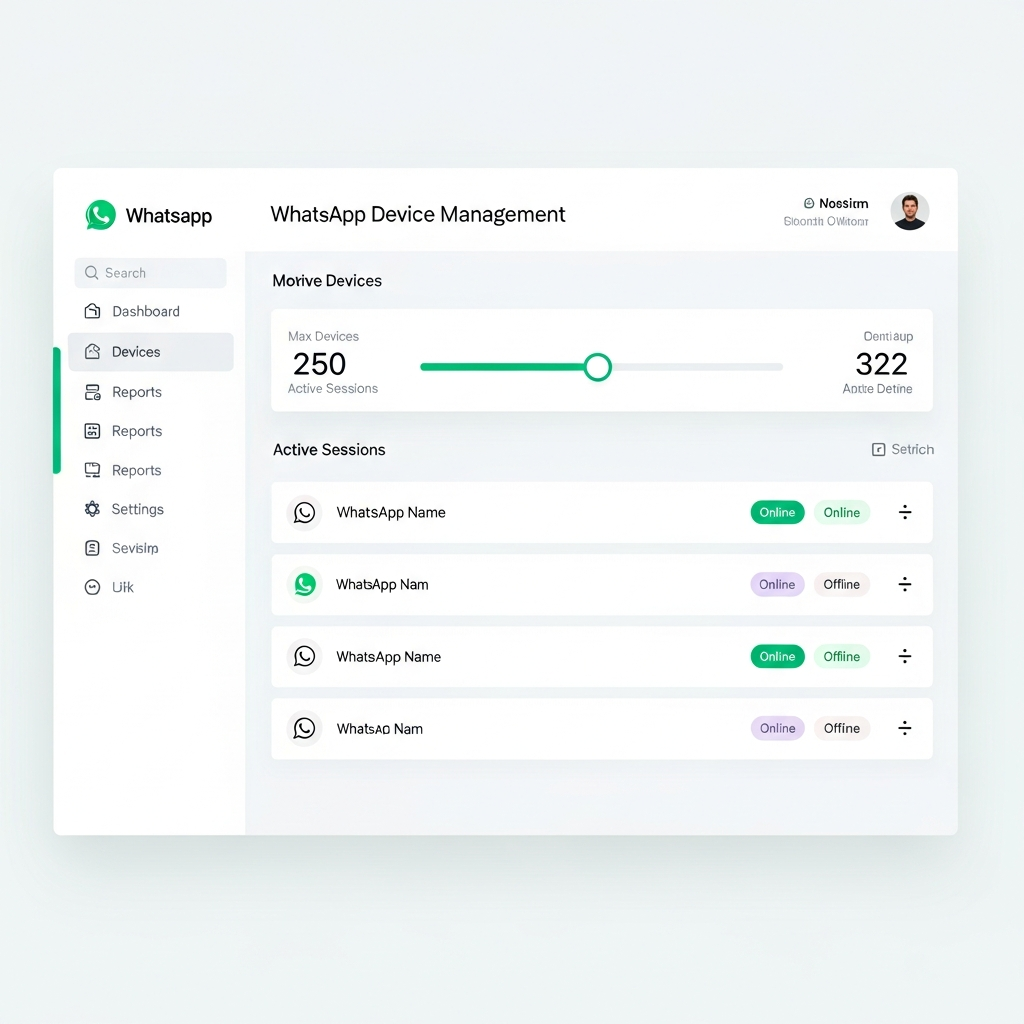
Need more than 5 WhatsApp devices on a location? You can purchase extra device slots and allocate them across your sub-accounts.
How It Works
Every location comes with 5 free WhatsApp devices. If you need more, you can purchase additional slots at $9/month per device.
Extra devices are purchased as a pool at the account level, then allocated to whichever locations need them. You can move devices between locations anytime — no extra charge for reallocating.
Purchasing Extra Devices
- Go to your Billing Portal (Settings > Billing)
- Purchase the Extra Devices add-on
- Choose how many extra devices you need
- Your pool is available immediately after payment
Allocating Devices to Locations
Once purchased, allocate your extra devices using the allocation slider:
- Go to Settings > Extra Devices
- You'll see your total pool and how many are available
- Use the slider for each location to assign extra device slots
- Click Save to apply
Example: You bought 10 extra devices. You can give Location A 6 extra (11 total) and Location B 4 extra (9 total) — or split them however you need.
Device Limits
| Included | Extra | Max per Location | |
|---|---|---|---|
| Free devices | 5 | — | 5 |
| With extras | 5 | Up to 195 | 200 |
What Happens When You Hit the Limit
If you try to connect a new WhatsApp device and you've reached your location's limit, you'll see a message like:
You have reached your 7 device limit (5 free + 2 extra). Purchase more extra devices via your billing portal.
Simply purchase more devices or reallocate unused ones from another location.
Cancellation
If you cancel the Extra Devices add-on:
- All extra device allocations are removed
- Each location resets to the 5 free devices
- Any devices beyond the free limit will be disconnected
FAQ
Can I move extra devices between locations?
Yes — anytime, at no extra cost. Just adjust the sliders in Settings > Extra Devices.
Is there a limit to how many I can buy?
Each location supports up to 200 total devices (5 free + 195 extra). You can buy as many as you need across all locations.
When does billing start?
Immediately on purchase. Extra devices are billed monthly alongside your subscription.
What if I remove a location?
The extra devices allocated to that location return to your available pool automatically.