One Custom Menu Link for All Sub-Accounts (WhatsApp & SMS)
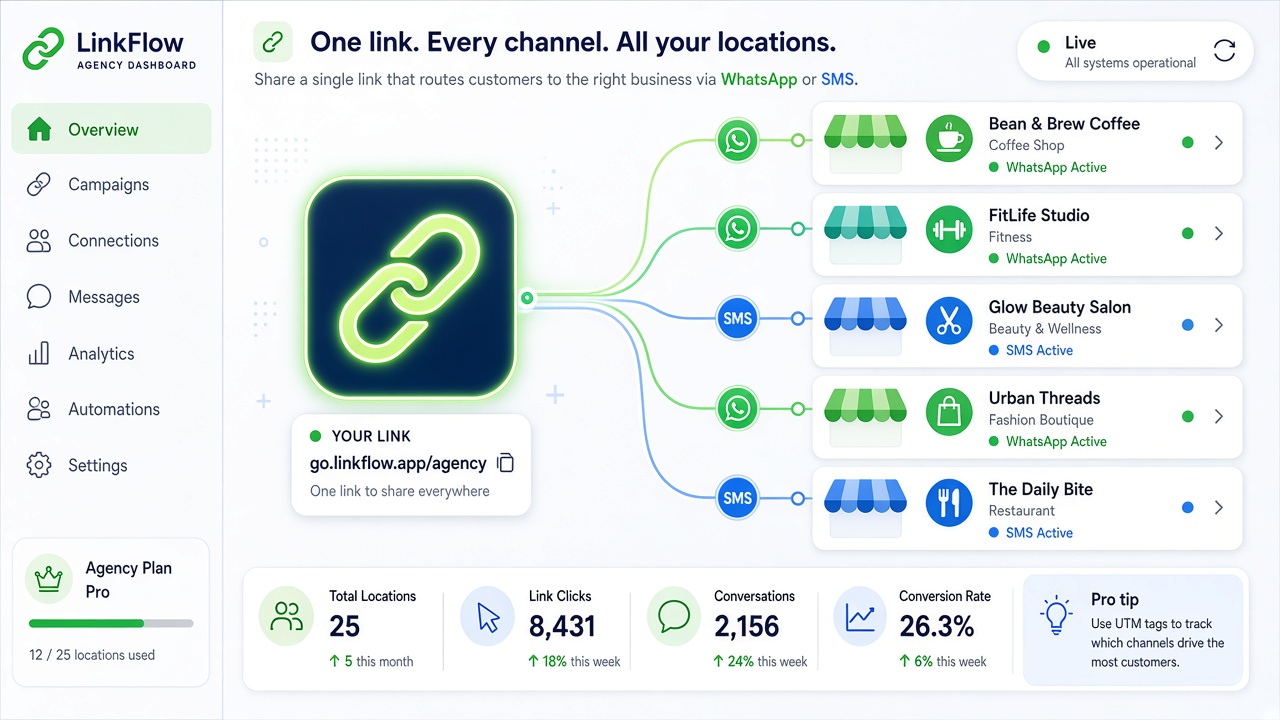
Tired of creating a separate custom menu link for every sub-account? Now one link covers your whole agency. Set it up once in your agency settings and every sub-account automatically gets its own WhatsApp (or SMS) page inside GHL.
How It Works
GHL custom menu links support the {{location.id}} merge field. When someone opens the menu item inside a sub-account, GHL automatically replaces {{location.id}} with that sub-account's own location ID — and DoubleMyLeads shows the right page for that sub-account. No login needed; the page loads right inside GHL.
The Links
| Page | URL |
|---|---|
| WhatsApp (QR & device details) | https://dashboard.doublemyleads.com/embed/ghl/{{location.id}}/details |
| SMS devices | https://dashboard.doublemyleads.com/embed/ghl/{{location.id}}/sms |
Copy the URL exactly as shown — type {{location.id}} literally, curly braces included. GHL fills it in automatically for each sub-account.
Setting It Up (Once per Agency)
- In GHL, switch to your Agency View
- Go to Settings > Custom Menu Links
- Click Create New
- Give the link a name your clients will recognize, e.g. WhatsApp
- Paste the URL:
https://dashboard.doublemyleads.com/embed/ghl/{{location.id}}/details - Choose iFrame (Embedded) as the open method
- Under Show On, select Sub-Account so it appears in the location sidebar
- Click Save
Want the SMS devices page too? Repeat the steps with the SMS URL as a second menu link.
What Your Clients See
When a client clicks the menu item inside their sub-account, they land directly on their own WhatsApp connection page — scan the QR, check device status, all without leaving GHL.
If a sub-account doesn't have the app installed yet, the page shows a friendly "not connected yet" message instead of an error.
FAQ
Do my clients need to log in?
No. The page opens directly inside GHL with no login screen.
Do I have to type a real location ID into the URL?
No — paste {{location.id}} exactly as written. GHL substitutes the correct ID per sub-account automatically.
Do my existing per-sub-account links still work?
Yes. Older links keep working — you can switch to the single agency-level link whenever it's convenient and delete the old ones.
What if a sub-account hasn't installed the app?
The page shows a "not connected yet" message. Once the app is installed for that sub-account, the same link starts working automatically.